

Survey Creation & Management
Create surveys and polls with ease, share them instantly, and keep all forms and responses securely organised in one place
Functionality
A detailed overview of the survey module’s capabilities
|
|
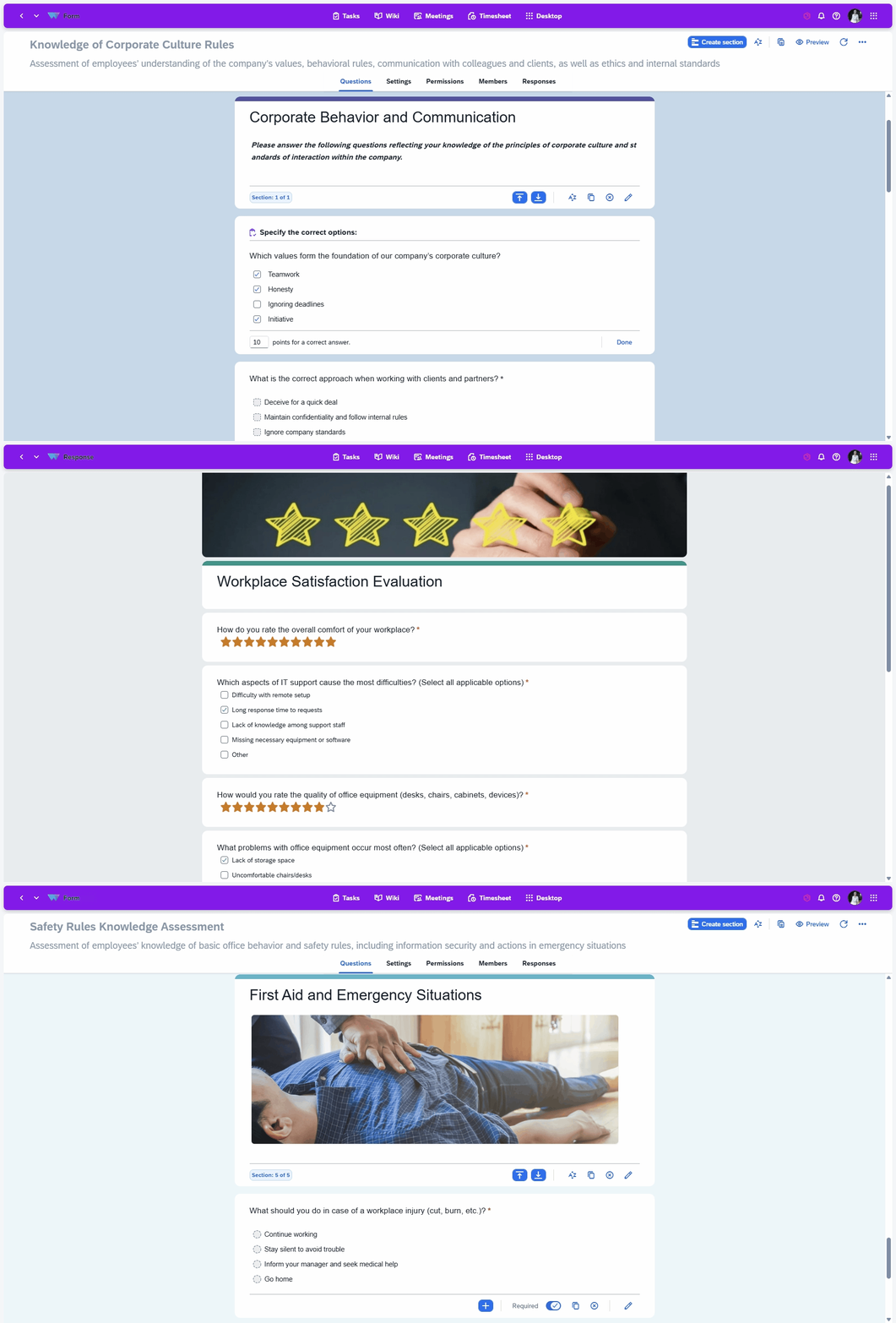
Form Creation
Create surveys quickly and easily
Create surveys and polls in just a few clicks: choose different question types, reorder them, add answer options and set access permissions. Quickly update or remove outdated information whenever needed.
Form Creation
Create surveys quickly and easily
Create surveys and polls in just a few clicks: choose different question types, reorder them, add answer options and set access permissions. Quickly update or remove outdated information whenever needed.
Form Linking
Link a form to any object in the system
You can attach a form to any object in the system — a task, project, supplier, client, user, meeting and more. This allows you to efficiently analyse the full response history of your employees, clients, suppliers and other stakeholders.
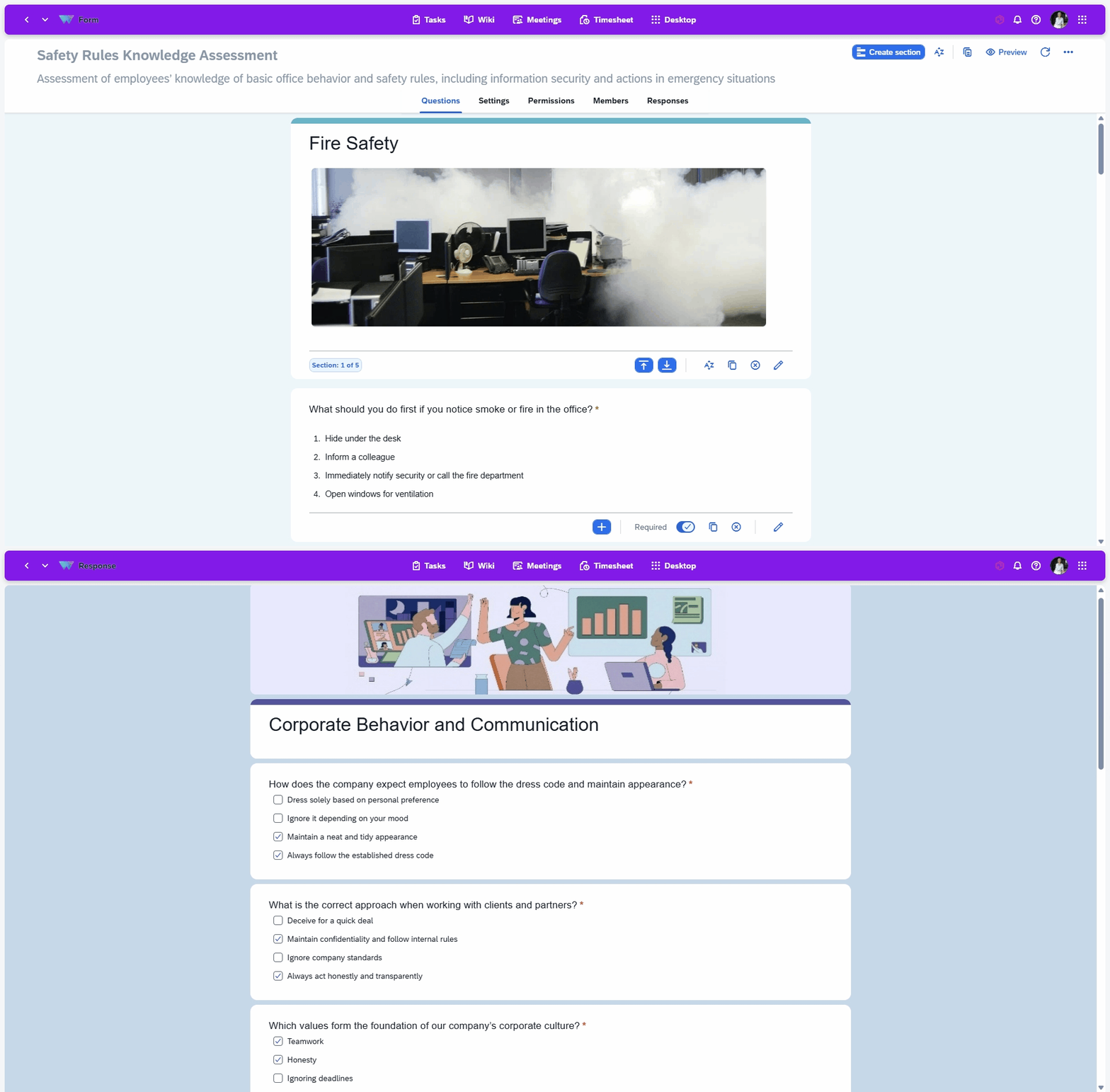
Form Linking
Link a form to any object in the system
You can attach a form to any object in the system — a task, project, supplier, client, user, meeting and more. This allows you to efficiently analyse the full response history of your employees, clients, suppliers and other stakeholders.
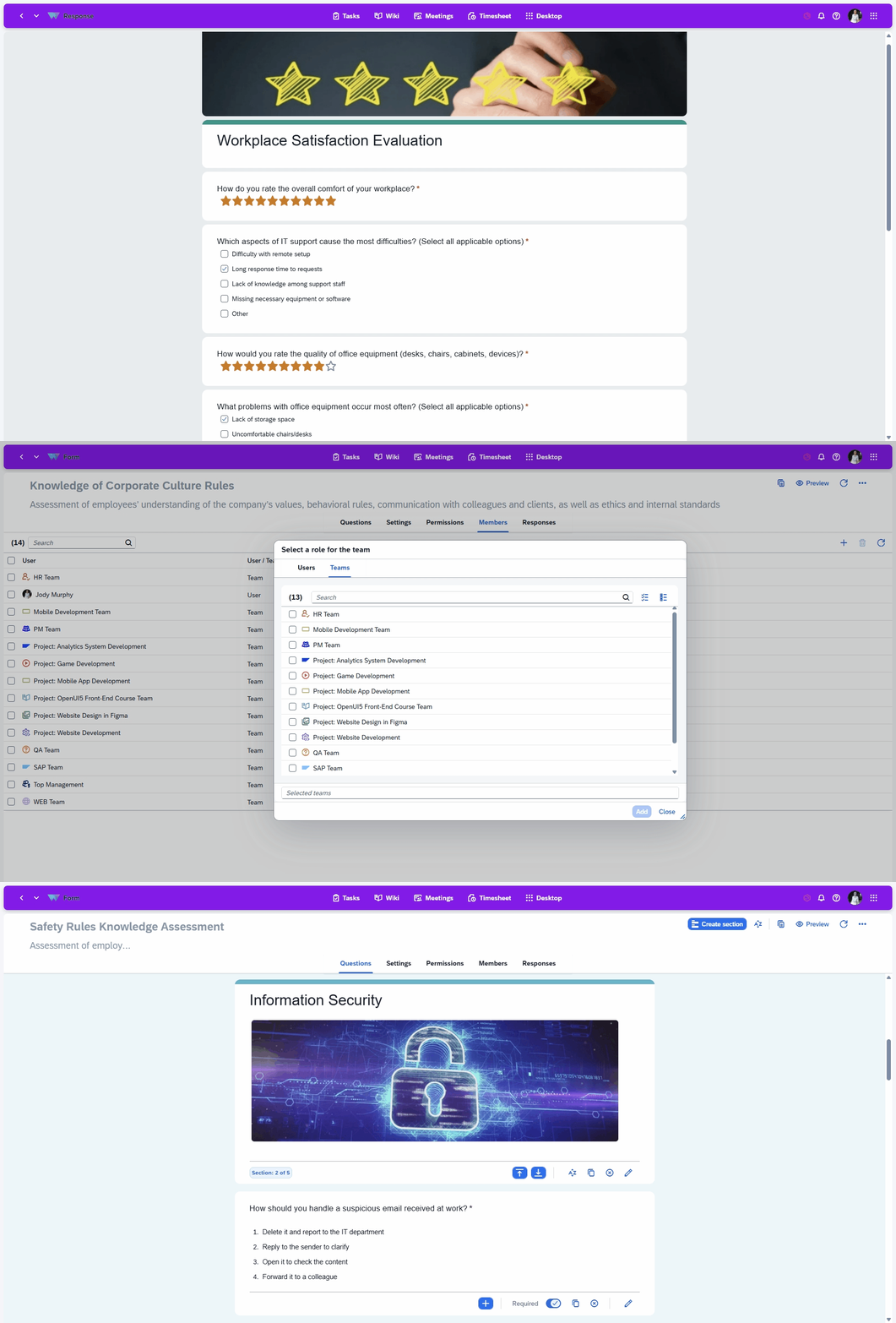
Response History
View the complete response history for any user
You can access the full response history of any user in the system: see when and how many times a specific employee completed each survey, how they answered, and how their responses changed over time.
Response History
View the complete response history for any user
You can access the full response history of any user in the system: see when and how many times a specific employee completed each survey, how they answered, and how their responses changed over time.
Access Settings
Configure access for viewing and completing forms
Set access to a form via link, limit the number of survey submissions and allow question editing when needed. Apply flexible settings to create a fully customised survey or poll.
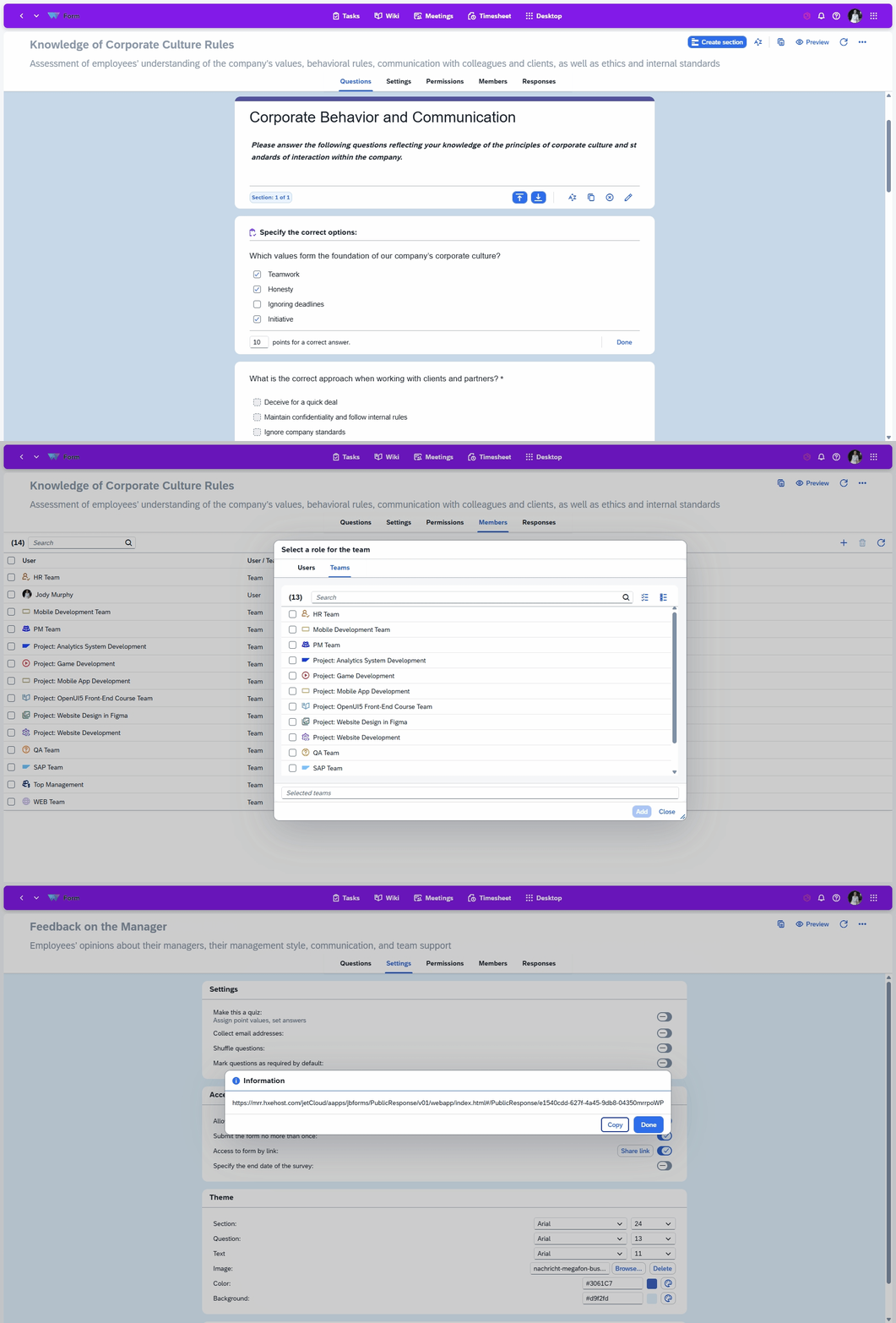
Access Settings
Configure access for viewing and completing forms
Set access to a form via link, limit the number of survey submissions and allow question editing when needed. Apply flexible settings to create a fully customised survey or poll.
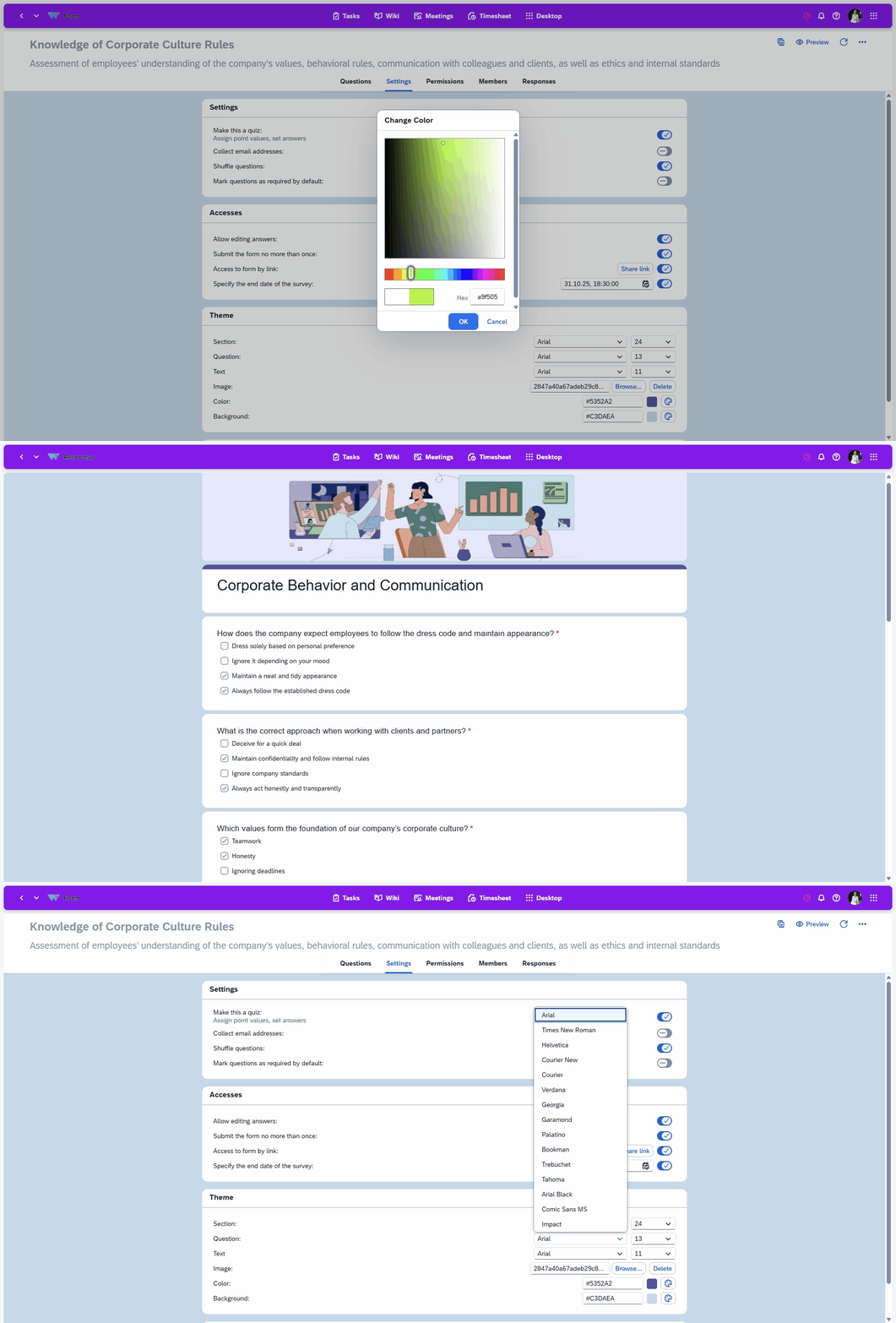
Custom‑Designed Forms
Create a unique look and feel for every survey
Choose colours, fonts and images to make your form visually appealing, stylish and fully aligned with your corporate identity.
Custom‑Designed Forms
Create a unique look and feel for every survey
Choose colours, fonts and images to make your form visually appealing, stylish and fully aligned with your corporate identity.
Embedded modules
Universal modules that extend application functionality
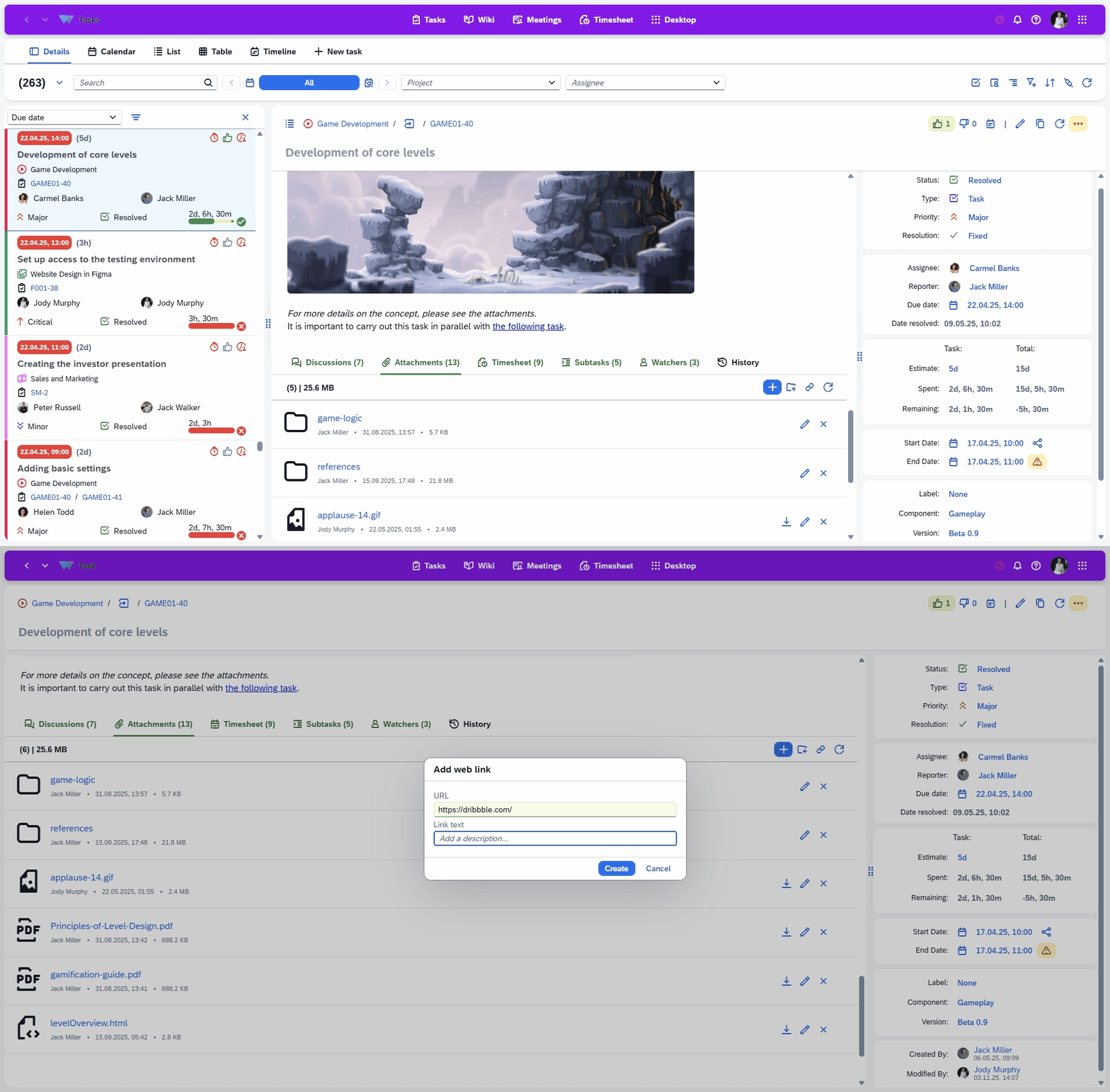
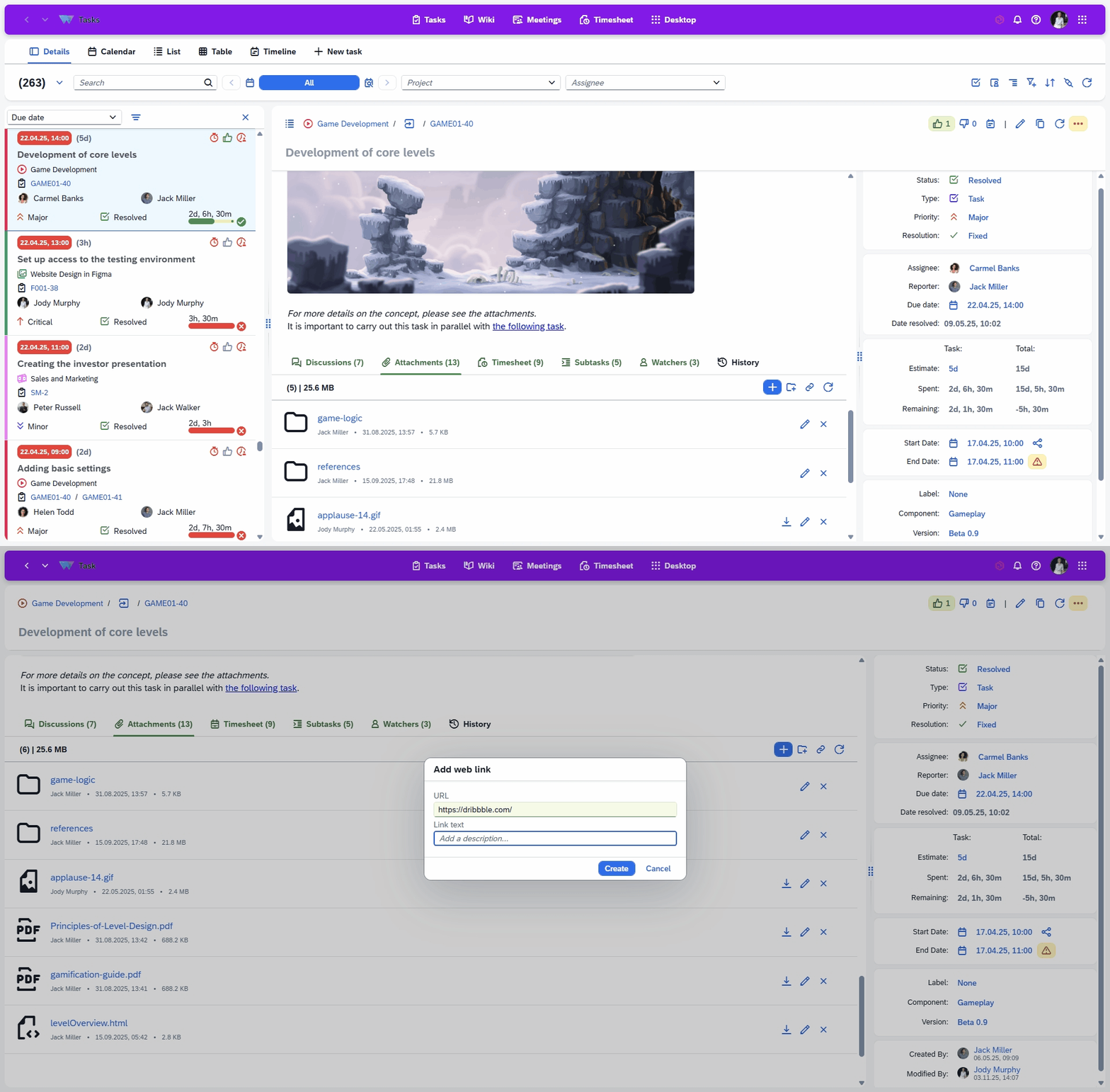
Attachment Storage
Add and store documents and files with ease
You can upload different types of files: folders, documents, images and links. All uploaded files are securely stored on cloud servers, and you can add, delete or view attachments at any time.
Attachment Storage
Add and store documents and files with ease
You can upload different types of files: folders, documents, images and links. All uploaded files are securely stored on cloud servers, and you can add, delete or view attachments at any time.
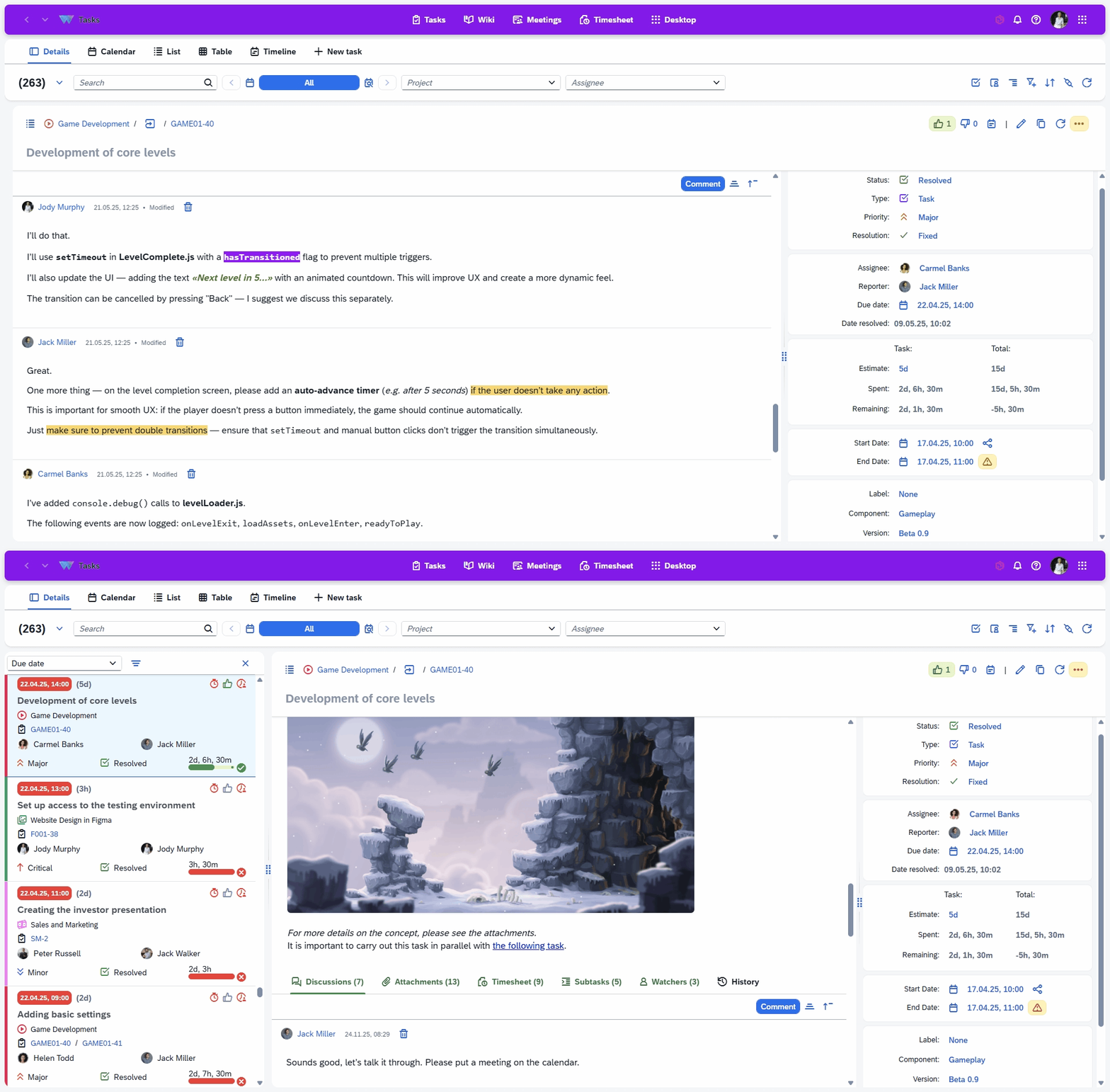
Communication
Feedback and commenting block
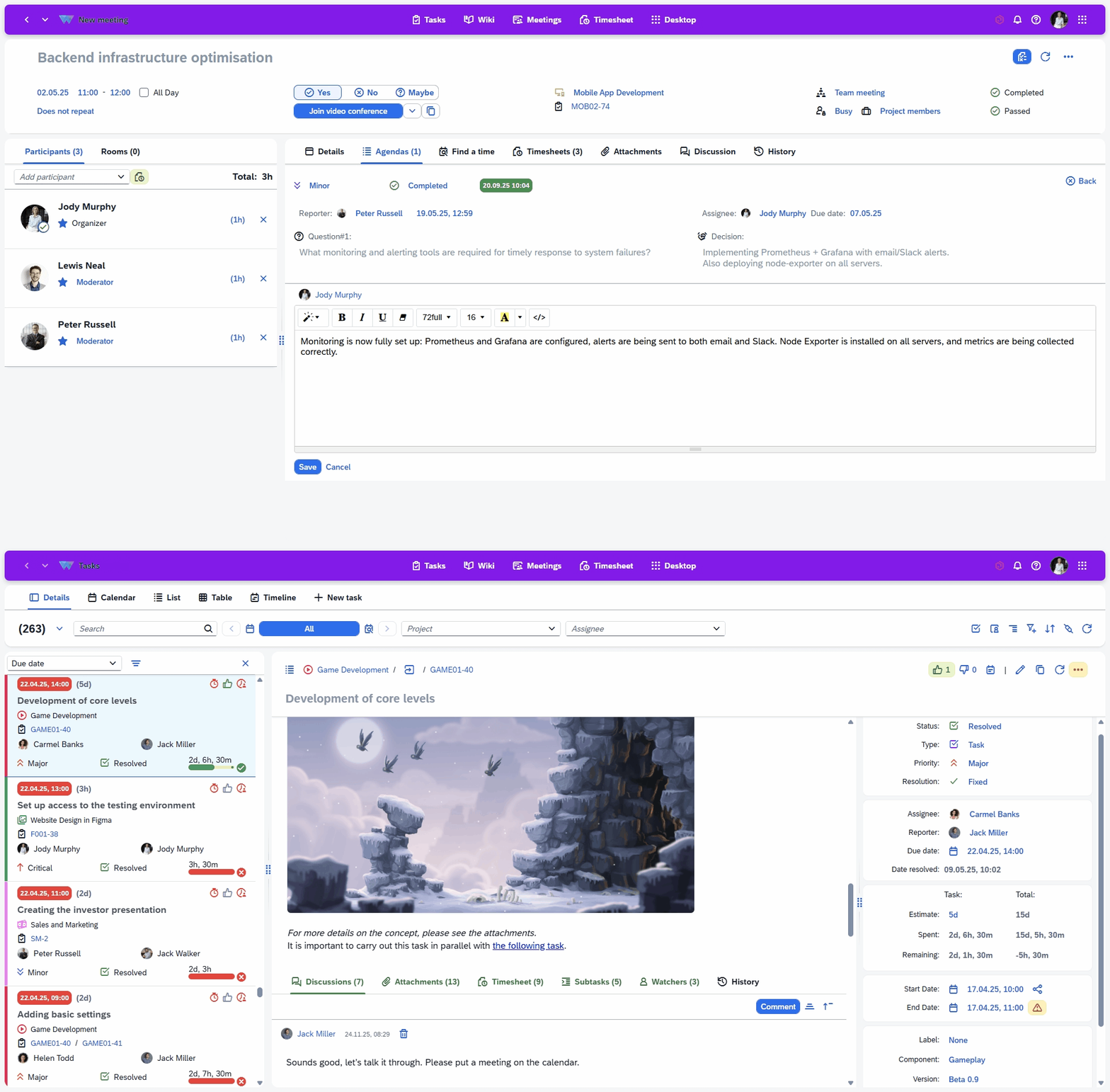
The application enables effective communication: comment on agendas, ask and answer questions, give likes or dislikes. Build efficient communication flows to resolve issues quickly and keep your team aligned.
Communication
Feedback and commenting block
The application enables effective communication: comment on agendas, ask and answer questions, give likes or dislikes. Build efficient communication flows to resolve issues quickly and keep your team aligned.
Ask a Question
Specify the details of how you plan to use our solution suite or any individual product.
If your organisation has unique processes and requires an Enterprise‑level implementation, you can also submit a request for a customised setup that supports more efficient workflows.